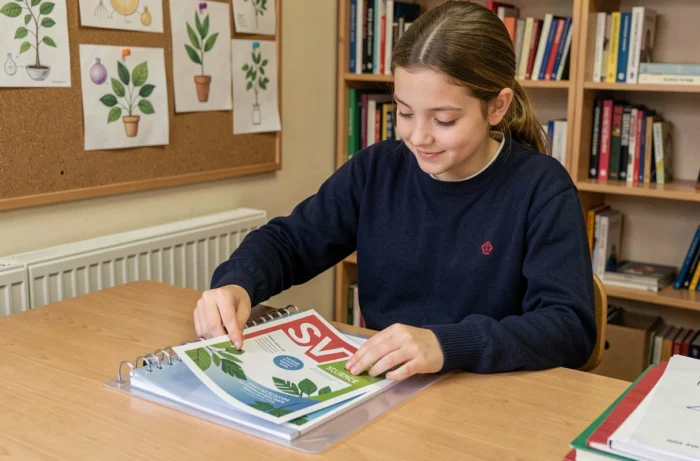
A proper SVT cover page starts with a technical choice: format, weight, writing area. Most online templates settle for a decorative visual without considering compatibility with the notebook or binder used in class. We will go straight to the criteria that make the difference between a functional cover page and a simple coloring page.
A4 format compatibility and 24×32 notebook: the overlooked technical point
The A4 format has established itself as the practical standard in middle school for SVT cover pages. The reason is simple: an A4 fits into a binder, a display book, or a large format 24×32 notebook without cutting or folding.
We regularly observe a gap between the models offered online and the reality of school supplies. A file sized for strict A4 (210 x 297 mm) leaves visible white margins in a 24×32 notebook. Conversely, a model designed for 24×32 extends beyond a standard A4 binder.
The cleanest solution is to work on an A4 template with sufficient safety margins so that the visual remains centered, regardless of the medium. Before printing, check in the settings that the “fit to page” option is disabled – this is what distorts proportions and shifts text areas. To enrich your collection, the SVT folders on Mister Papa offer templates designed for this compatibility.
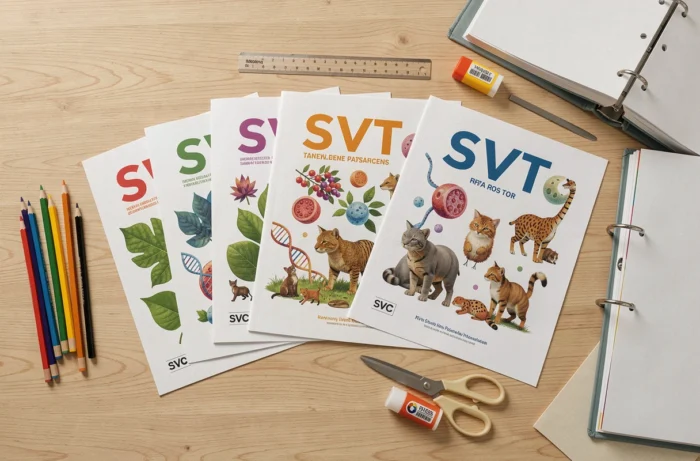
SVT cover pages without printed year: an underestimated design choice
Printing a cover page with “2026-2027” in large letters seems logical. In practice, a page without a year is reusable from one school year to the next, which avoids regenerating and reprinting the document every September.
This design detail changes the game for teachers preparing batches of pages for multiple classes. A timeless template reduces preparation time and printing volume. The school year can be added by the student by hand, which also reinforces their ownership of the notebook.
We recommend reserving a handwritten space at the top of the cover page, under the SVT title, with a dotted line or an empty box provided for the name, class, and year. This type of semi-customizable template represents the best compromise between standardization and adaptation.
Paper weight and color rendering for printing SVT cover pages
The quality of printing depends as much on the source file as on the chosen paper. A weight that is too low allows the back to show through and warps under the ink of solid colors. Classic school paper is rarely sufficient for an illustrated cover page.
We recommend paper with a sufficiently dense weight, greater than standard office paper, especially if the model has extensive color areas. For home inkjet printers, the “normal quality” mode produces an acceptable result on most color PDF files.
Points to check before printing
- File resolution: a vector PDF maintains its sharpness at any scale, unlike a compressed JPEG image that pixelates as soon as it is enlarged
- Color mode: files designed in CMYK give more accurate shades on printers, while RGB (screen) can produce off greens and blues
- Printing margins: most home printers do not cover the edges of the sheet, plan for at least a few millimeters of white margin on each side

Customizing an SVT cover page beyond coloring
The classic reflex is to download a coloring template. This is suitable for cycle 3, much less so for a 4th or 3rd-grade student. Digital customization before printing opens up other possibilities than simply filling in with a marker.
Several tools allow you to modify a template online before downloading it in PDF format. You can integrate the student’s name in a chosen font, adjust the color palette, or replace a generic illustration with a visual related to the SVT program for the relevant level.
What distinguishes a good cover page generator
- The ability to modify the text directly in the template (subject title, name, class) without third-party software
- Exporting in high-resolution PDF rather than as a compressed image
- Availability of templates by level (6th, 5th, 4th, 3rd) with illustrations suited to each year’s curriculum
- The absence of a watermark or intrusive logo on the downloaded file
This “modifiable before printing” approach is gaining ground against static ready-to-use PDFs. It allows the student to engage in the creation while maintaining a polished result, far from rough handiwork.
New science program cycle 3 and organization of SVT notebooks
The implementation of the new science and technology program for cycle 3, scheduled for the start of the 2026-2027 school year in CM1 and then extended to CM2 and 6th grade the following year, modifies the structure of notebooks. The cover pages must reflect the exact title of the subject as it appears in the current program.
In 6th grade, the distinction between “Science and Technology” (cycle 3 title) and “SVT” (cycle 4 title, starting from 5th grade) remains a source of confusion. A 6th-grade student does not strictly have SVT classes but rather science and technology education. The cover page should carry the correct mention to match what the teacher requires.
This point may seem minor. It is not when a teacher demands a notebook compliant with their discipline and the cover page displays an incorrect title. Checking the exact title before creating or downloading a template avoids unnecessary replacements right from the first week of classes.
The most useful SVT cover page is the one that does not need to be redone in October. Verified format, suitable paper, correct title, planned handwritten space: these four criteria are enough to distinguish a reliable school support from a simple decorative file hastily downloaded.